
Share Your Scoreboard with Fans
Let spectators follow the game on their phones
No scoreboard at the event? No problem. ScoreboardMax’s Fan View gives spectators a live, mobile-friendly scoreboard on their own devices with no app install, no accounts, and no sign-in required.
Choose Your Sharing Method
1 Share a Link
- Go to your scoreboard's details page
- Find the Fan View section and click Share Link
- Send via text, email, or post on social media
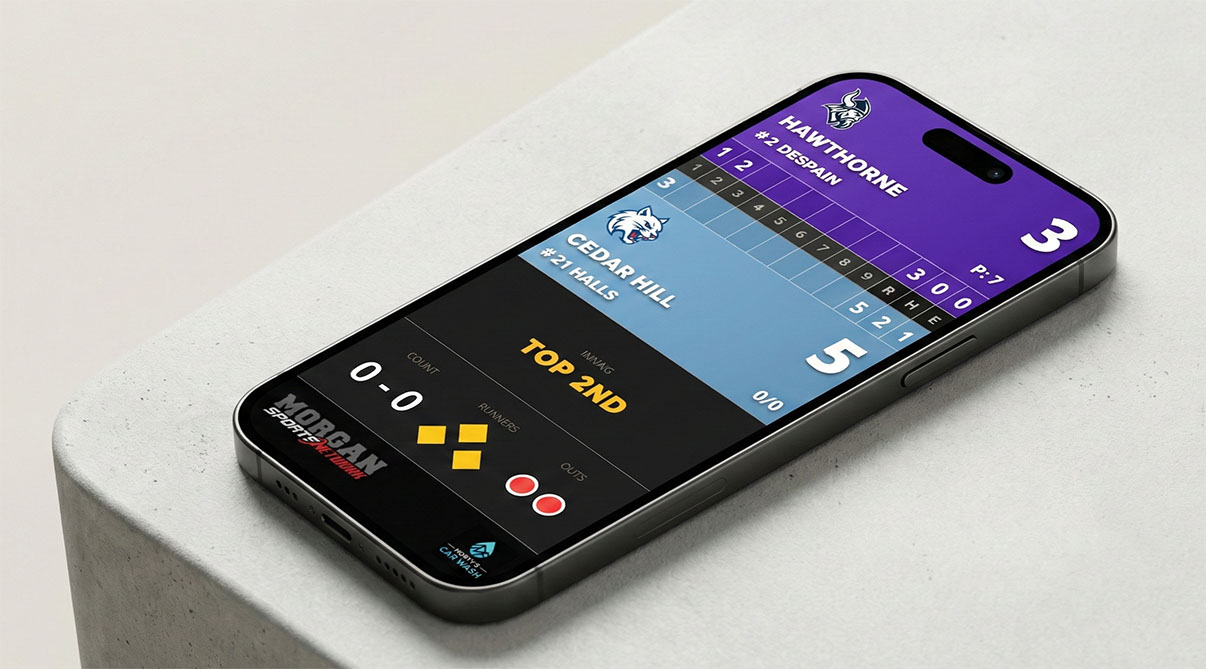
Done. Fans open the link and see a mobile-friendly scoreboard that updates in real-time. No app, no account, no sign-up.
2 Show a QR Code
- Go to your scoreboard's details page
- Find the Fan View section and click QR
- Show your screen to fans, or print/screenshot it to post around the venue
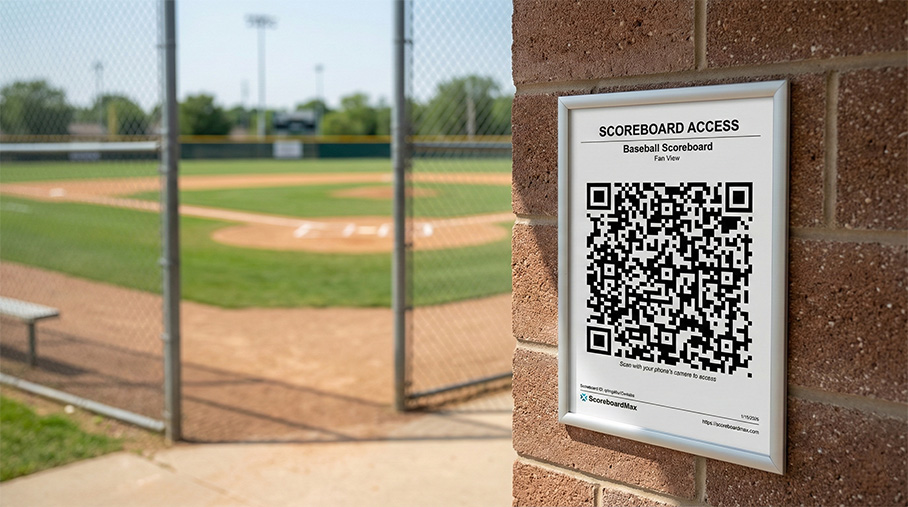
Done. Fans scan with their phone camera and tap the link. Great for posting at entrances, concession stands, or bleacher railings.
Don't have a ScoreboardMax account yet? Create a free account in seconds.
No credit card required
3 Print Cards
Print cards with a QR code to place at the door or post around your venue. Fans scan it with their phones and instantly see the scoreboard.
- Click Share Link or QR in the Fan View section
- Click Print Card
- Print as many as you need
Reusable. The Fan View link never changes, so you can print cards once and use them all season.
Good to Know
- Read-only: Fans can only view. They can't change the score or access controls.
- No expiration: The link works forever. Share it anywhere without worry.
- Same link every game: The Fan View link stays the same, so fans can bookmark it for future games.
- Works on any phone: Just a web browser. No app download required.
- Minimal data usage: Updates are tiny. Fans won't burn through their data plan.
FAQ
Is this different from the livestream overlay?
Yes. The livestream embed is for adding a scoreboard to streaming software like OBS. Fan View is a mobile-friendly page for spectators to view on their phones.
Can I share it on social media?
Absolutely. It's read-only, so there's no risk. Post it on Facebook, Twitter, your team's group chat, wherever.
How fast do updates appear?
Real-time. Typically within a second of the operator making a change.
Questions? Contact support.